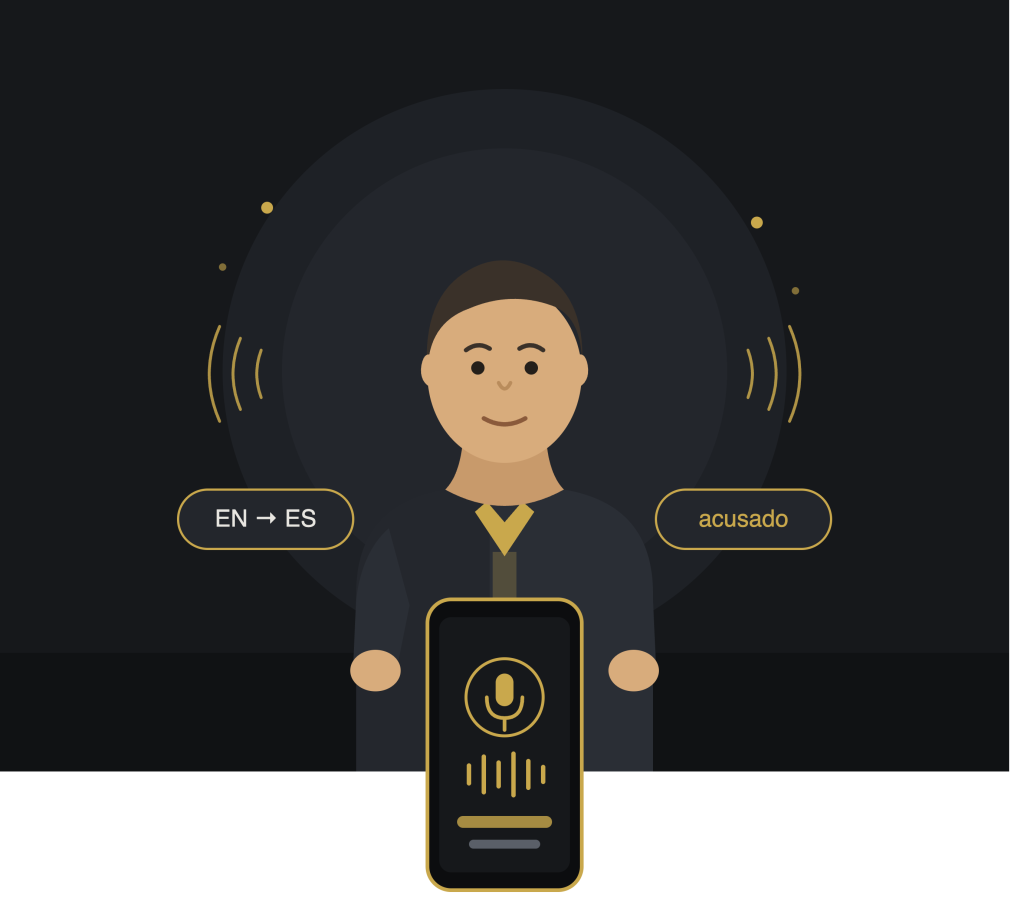
Speak or type a legal term. Get the equivalent instantly — spoken aloud.
What is PICOS Pocket?
PICOS Pocket
PICOS Pocket is a fast terminology lookup for language interpreters.
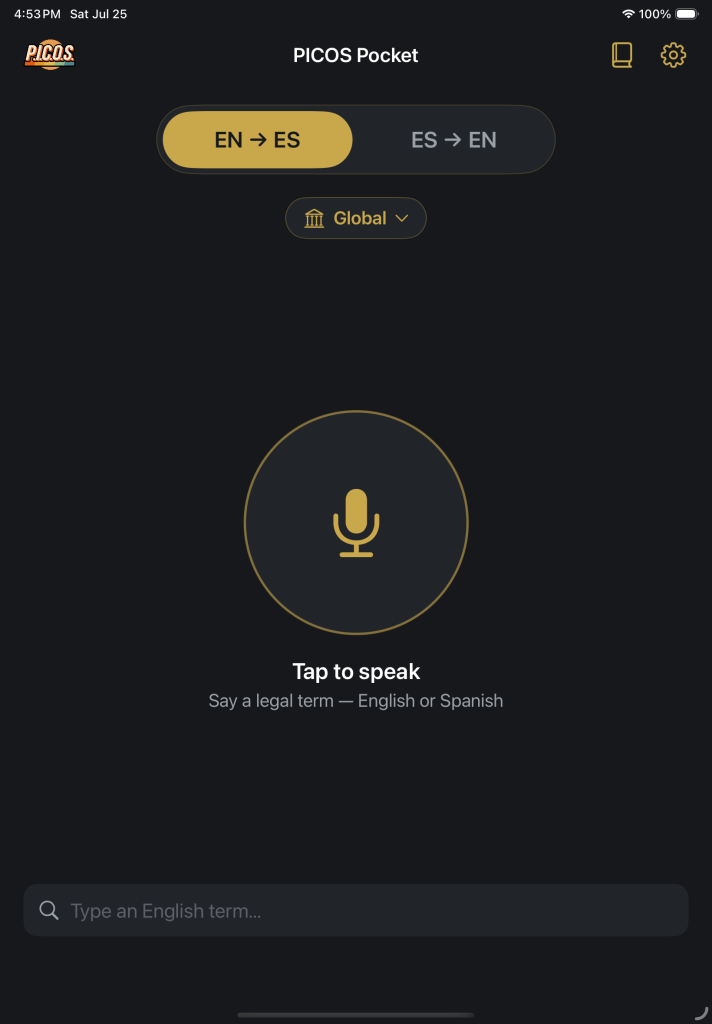
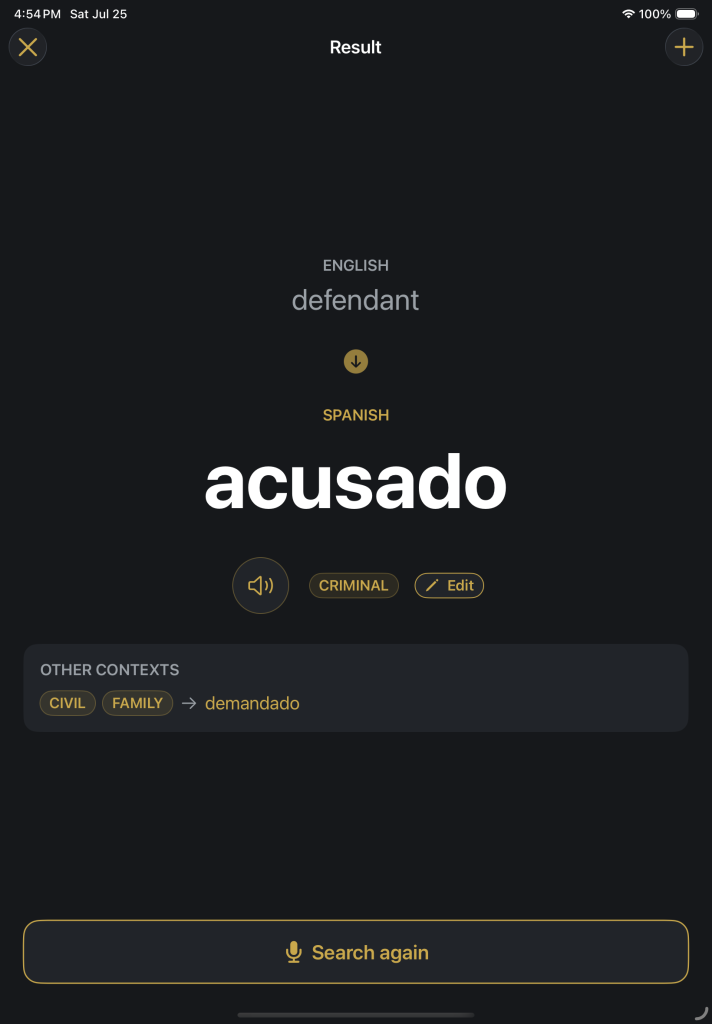
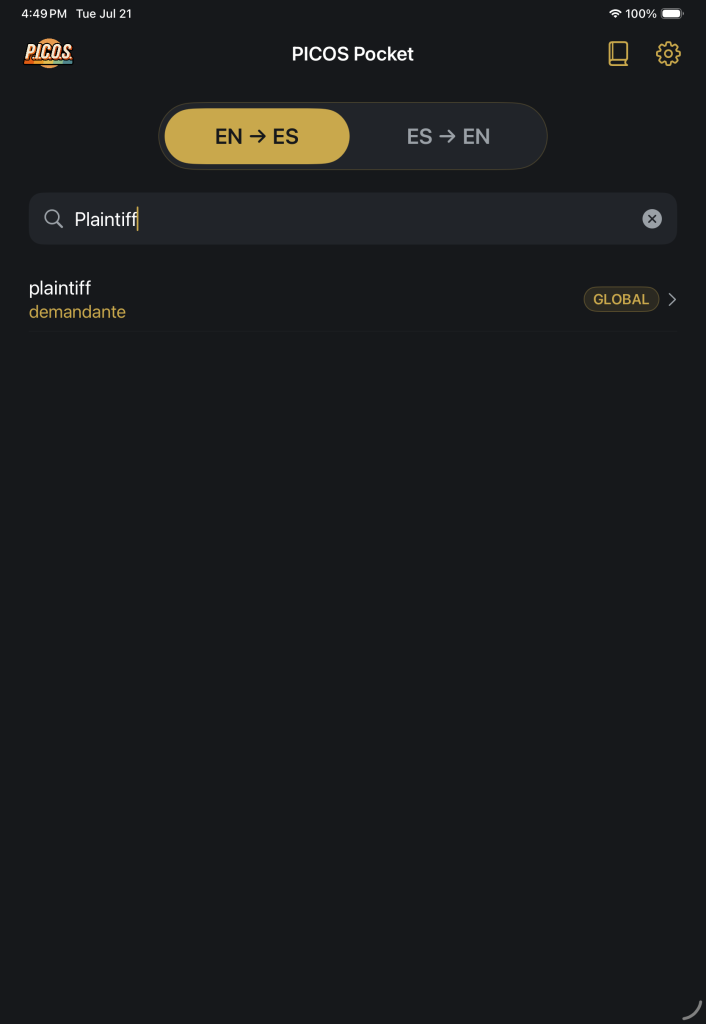
Say a term — or type it — and the equivalent appears large enough to read at arm’s length, and speaks itself aloud.
Ships with a legal glossary of over 3,000+ English–Spanish term pairs, with the option to add your own terminology.
No accounts. No cloud. No setup. Open it and speak.
Features
Tap the mic to speak
Say the term
Instant Results
Primary equivalence
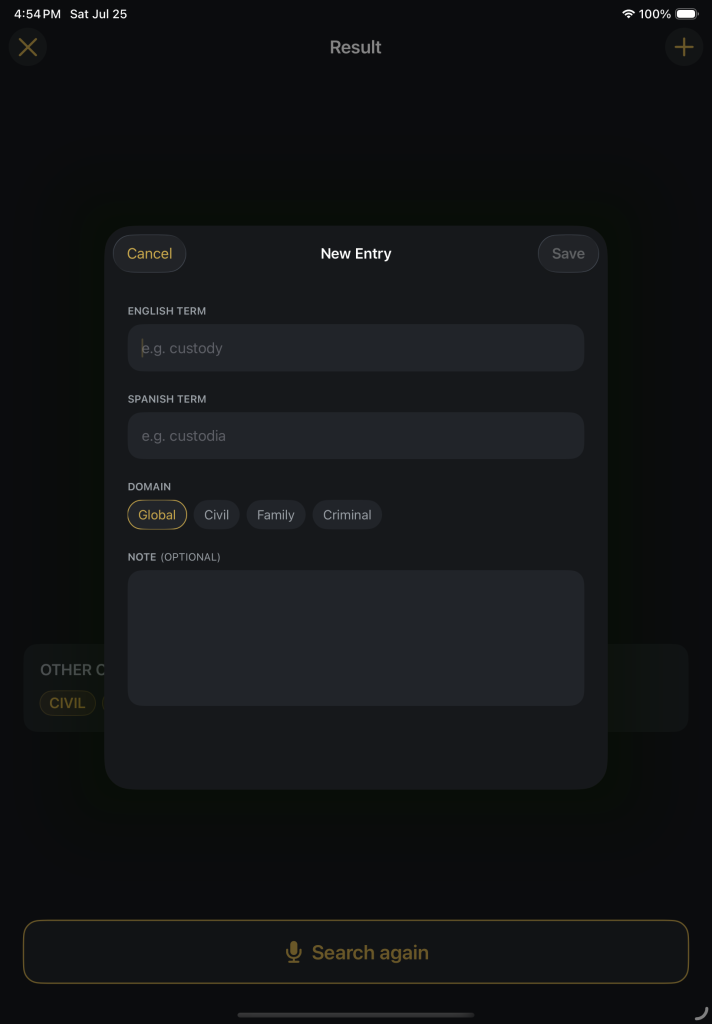
+
Other Contexts
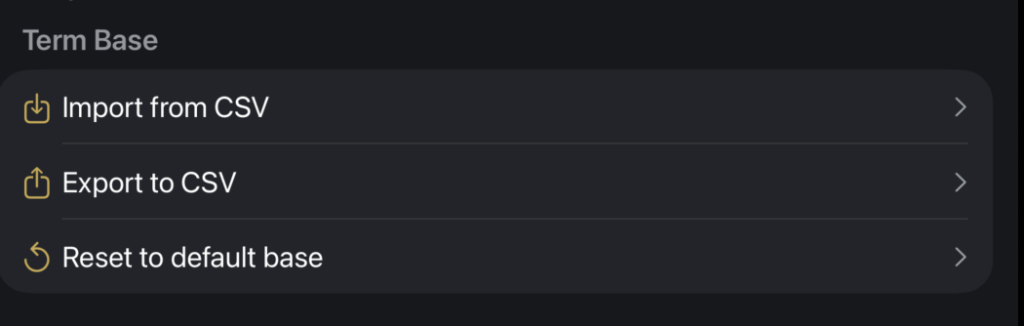
Build your own glossary (Term base) as needed
Add + Delete + Edit Terms
Fast terminology lookup via your voice or your fingers
Multiple terms can be loaded to your term base all at once
Who is it for?
Made for professional interpreters
Every interpreter has blanked on a term at the worst possible moment — hands full with no time to flip through a glossary. PICOS Pocket is your instant terminology assistant: say the term, hear the equivalent, keep going. Built on a professional legal glossary you can edit and grow at any time.
Support/FAQ
Does it need an internet connection?
No
Why does it ask for microphone and speech permissions?
Only for voice lookup — to hear the term you say and convert it to text on your device. You can decline and use typing instead; every feature works by typing.
Voice lookup says Spanish isn't available. What do I do?
Your device needs Apple's on-device Spanish model. Add a Spanish keyboard first (Settings → General → Keyboard → Keyboards → Add New Keyboard → Spanish (Latin America)), then enable it under Settings → General → Keyboard → Dictation Languages.
Can I add my own terminology?
Yes — add, edit, and delete terms freely. Your entries are marked as yours, and "Reset to default base" restores the base glossary whenever you want a clean start.